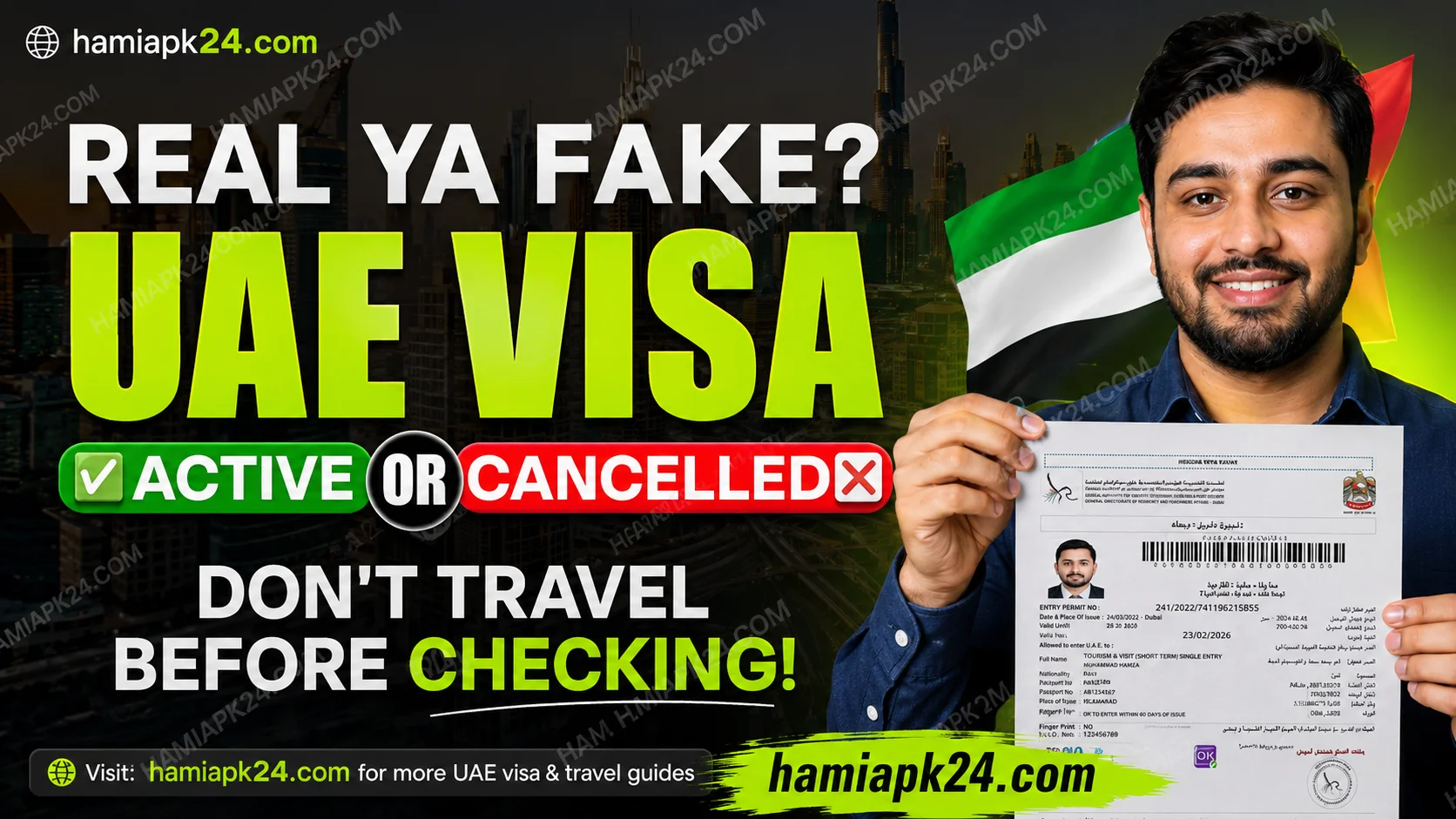
If you have a 2-year UAE residence visa and are currently outside the UAE, it’s very important to check your visa status regularly.
Recently, many UAE residents have reported arriving at the airport only to discover that their residence visa had already been cancelled while they were outside the country. This can lead to canceled travel plans, financial losses, and unnecessary stress.
In this guide, I’ll show you exactly how to check your UAE visa status online before booking your flight or traveling.
Why You Should Check Your UAE Visa Status
Whether you have:
- A UAE Work Visa
- A Family Visa
- A Residence Visa
- Any long-term UAE residency
You should check your visa status from time to time, especially if you’re staying outside the UAE.
Imagine booking your airline ticket, packing your luggage, reaching the airport, and then finding out that your visa has already been cancelled. Unfortunately, this has happened to many people recently.
That’s why it’s always better to verify your visa status before making any travel arrangements.
About This Guide
My name is Ummad Waqas Javed, and I regularly create content about:
- UAE visas
- UAE travel updates
- Document attestation
- Immigration information
- Visa consultancy
If you’re planning to travel to the UAE or want to stay updated with the latest UAE visa information, make sure to follow my content for future updates.
Step 1: Visit the ICP Smart Services Website
Open Google and search for:
ICP Smart Services
Or visit the official UAE government portal directly:
https://smartservices.icp.gov.ae
The ICP Smart Services portal is the official UAE government website where you can verify visa information, residency status, application tracking, Emirates ID services, and much more.
Step 2: Open Public Services
Once the website opens:
- Click on Public Services from the top menu.
Here you’ll find many UAE immigration services including:
- Golden Residency Visa
- Blue Residency
- Residence Visa Services
- Domestic Worker Services
- Emirates ID Services
- Visa Verification
- Application Tracking
The portal contains official information for almost every UAE visa category.
Step 3: Choose “File Validity”
To check whether your existing visa is still active:
Click on:
File Validity
This section allows you to verify whether your visa is:
- Active
- Cancelled
- Valid
- Expired
If you recently applied for a visa and want to track the application instead, use the Application Tracking option.
Step 4: Select Passport Information
You’ll see two search methods:
- Passport Information
- File Number
For most residents, using Passport Information is the easiest option.
Choose:
- Residency Visa
- Passport Number
- Passport Expiry Date
- Nationality
Then click Search.
Step 5: Review Your Visa Details
If your information is correct, you’ll see details such as:
- File Number
- Unified Number
- Visa Issue Date
- Visa Expiry Date
- Visa Type
- File Status
The most important field is:
File Status
If it says:
Active
Your UAE residence visa is still valid, and you can travel to the UAE without any issue.
What If Your Visa Has Been Cancelled?
If the portal shows that your visa has been cancelled, contact your:
- Employer
- Sponsor
- Recruitment company
They can explain why the cancellation occurred and guide you through the process of applying for a new visa if necessary.
Without a valid residence visa, you won’t be able to re-enter the UAE under that visa.
Important Advice for UAE Residents Abroad
If you’ve been outside the UAE for several months, always verify your visa status before:
- Booking airline tickets
- Scheduling your travel
- Spending money on travel arrangements
Checking your visa takes only a few minutes and can save you from significant inconvenience at the airport.
Can You Verify a Visa Applied by an Agent?
Yes.
If an agent tells you they have applied for your:
- Work Visa
- Visit Visa
- Residence Visa
You can use the official ICP portal to verify the application or check whether the visa has actually been issued.
This helps protect you from visa scams and fraudulent agents.
Official UAE Resources
For accurate and up-to-date visa information, use only official UAE government websites:
- ICP Smart Services: https://smartservices.icp.gov.ae
- Federal Authority for Identity, Citizenship, Customs & Port Security (ICP): https://icp.gov.ae
- UAE Government Portal: https://u.ae
These official resources provide reliable information about residence visas, Emirates ID, visa validity, application tracking, and immigration services.
Final Thoughts
I hope this step-by-step guide helped you successfully check your UAE visa status and confirm whether your residence visa is still active.
If you’re currently outside the UAE, make it a habit to check your visa status before every trip. It’s a simple step that can help you avoid unexpected problems at the airport.
If your visa has been cancelled, contact your employer or sponsor immediately so you can understand your options and, if needed, begin the process of obtaining a new visa.
I regularly share videos and guides about UAE visas, work visas, family visas, visit visas, document attestation, and other immigration-related topics. If you have any questions about traveling to the UAE, feel free to leave a comment or reach out for professional visa and document consultancy.